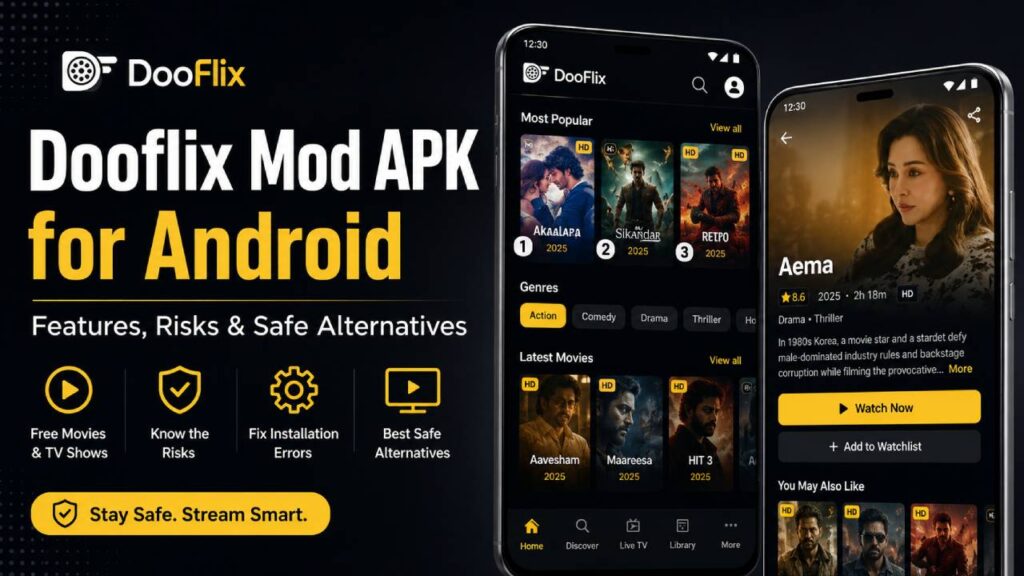
More people now watch movies and TV shows through online streaming than ever before. Because of this, many third-party apps have appeared that collect movies, TV series, and live TV channels in one place. One name that often appears in search results is Dooflix. Many Android users look for a Dooflix Mod APK because they want free entertainment without paying for subscriptions.
Even so, downloading or installing a Dooflix Mod APK is not as simple as it may seem. It comes with several technical, legal, and security concerns. Before changing an Android device by installing a modified APK, users should understand what they are actually installing and the possible risks involved.
How Third-Party Streaming Apps Work
In the official Android app ecosystem, some apps use the name “Dooflix” while following legal rules. These apps mainly help users discover movies, read information about them, check ratings, or watch trailers. Many of them use public services such as The Movie Database (TMDB) to display movie details. They do not host, stream, or let users download copyrighted videos.
However, unofficial versions found on third-party APK websites work in a different way. These versions are often called “Mod APKs.” Instead of providing only movie information, they search different public servers for video links. They then collect those links and display them inside an easy-to-use Android app.
The word “Mod” means “Modified.” This usually means that someone has taken the original APK file, decompiled it, changed parts of its source code, removed advertisements, unlocked premium features, or made other changes before compiling it again and sharing it online.
Security Risks of Mod APK Files
Installing an APK file from an unknown website is called sideloading. Unlike apps downloaded from the Google Play Store, these files usually do not go through official security checks. Because of that, users face a much higher security risk.
1. Changes Made to the Original Code
When someone creates a modded APK, they change the application’s compiled code, including its Dalvik Executable (.dex) files. Some people only want to remove ads or unlock paid features. However, attackers can also use the same process to add harmful code without the user’s knowledge.
Some common examples include:
Trojan Downloaders
These hidden programs quietly download and run other harmful files in the background after the app is installed.
Adware Injection
Instead of removing advertisements completely, some modified APKs replace the original ads with aggressive advertising systems. These ads may appear repeatedly, cannot be closed easily, and sometimes continue showing even after the application is closed.
2. Privacy and Data Collection Risks
Official apps available through trusted app stores must clearly explain how they collect and share user data. Many unofficial Mod APK files do not provide the same level of transparency.
Some of these apps request permissions that are not needed for watching videos. For example, they may ask for access to contacts, storage, device location, phone information, or other personal data.
If users approve these permissions, the app may collect device identifiers, network information, and other personal details. In some cases, this information may be sent without proper encryption, creating additional privacy risks.
Security Comparison
| Evaluation Metric | Official Play Store Version | Unofficial Mod APK |
|---|---|---|
| Primary Code Source | Verified developers | Anonymous third-party modders |
| Security Verification | Google Play Protect scanning | No official verification |
| Update Method | Automatic updates through the Play Store | Manual download and installation |
| Data Encryption | HTTPS connections are normally enforced | Some versions may use unencrypted HTTP connections |
Common Android Installation Errors
People who install APK files from outside the Google Play Store often see different installation errors. These messages come from Android’s package installer and usually point to a specific problem.
Error 1: “Parse Error – There was a problem parsing the package”
This error appears before installation starts. It means Android cannot correctly read the APK manifest.
Possible Cause
The APK file may have been damaged during download. Another reason could be that the app needs a newer Android version than the device currently has. For example, the app may require Android 11 or later.
Possible Solution
Download the APK again and make sure the download finishes without interruption. Also, check the minimum Android version required by the application before trying to install it.
Error 2: “App Not Installed”
This message appears after Android begins installing the APK but stops before the installation finishes.
Possible Cause
The most common reason is a digital signature mismatch. Every Android application is digitally signed. If a modified APK is installed over an official version, Android detects that the signatures are different and blocks the installation.
Another possible reason is CPU architecture incompatibility. For example, an APK built for arm64-v8a processors may not work correctly on an older device using the armeabi-v7a architecture.
Possible Solution
Remove the existing version of the application before installing the modified APK. Also, make sure the downloaded APK matches the CPU architecture supported by the Android device.
Error 3: “Blocked by Play Protect”
Google Play Protect is Android’s built-in security system. Sometimes it blocks APK files that it cannot verify.
Possible Cause
Play Protect compares the APK file’s SHA-256 hash with a database of trusted applications. Since modified APK files have been changed, their hashes no longer match the official versions. As a result, Play Protect may identify them as unknown or potentially unsafe.
Safe Alternatives for Free Streaming
People who want free entertainment without the security, stability, and legal concerns of Mod APKs can choose official ad-supported streaming services instead. These platforms are free to use, supported by advertisements, and available through trusted app stores.
Tubi TV
Tubi TV is owned by Fox Corporation. It offers a large collection of licensed movies and TV shows. The service supports high-definition streaming and has a stable streaming system.
Pluto TV
Pluto TV is owned by Paramount. It combines live television channels with a large on-demand library. Users can browse channels just like traditional television while also watching movies and TV shows whenever they want.
Amazon Freevee
Amazon Freevee is an ad-supported streaming service connected to the Prime Video ecosystem. It includes licensed movies, popular TV series, and original content without requiring a paid subscription.
The Roku Channel
The Roku Channel works on several different platforms. It regularly updates its library with free Hollywood movies, television shows, and classic entertainment, giving users a legal and safer way to enjoy streaming content.